
Table of Contents
What Vidnoz AI Really Is
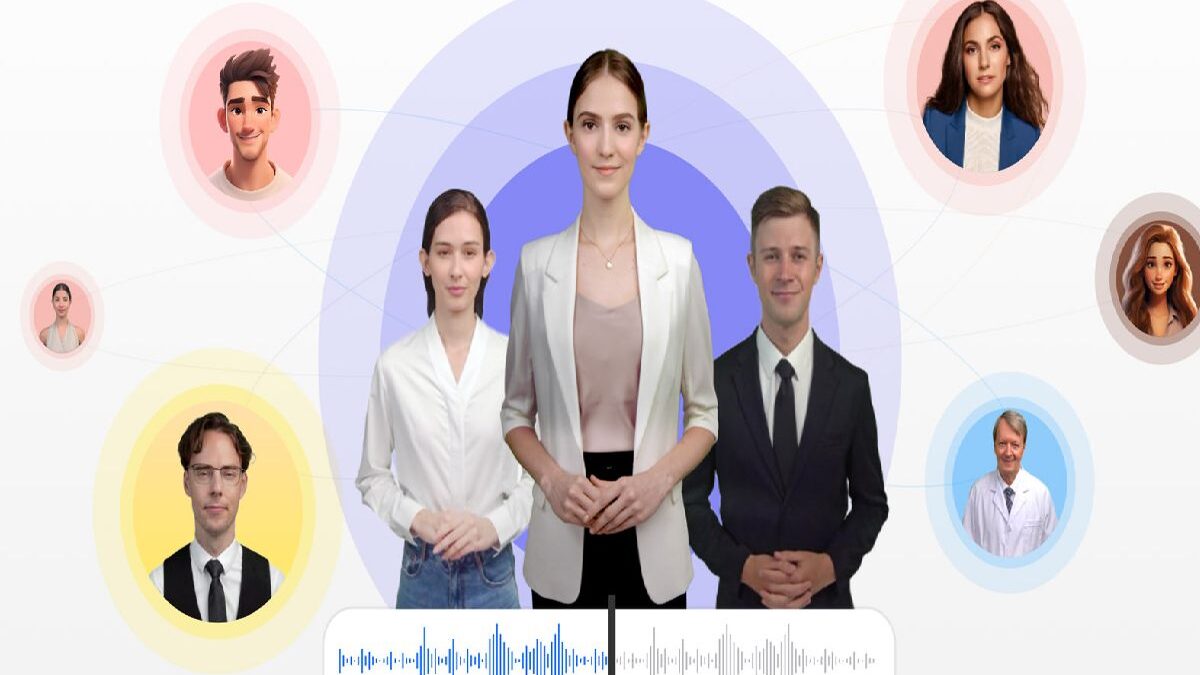
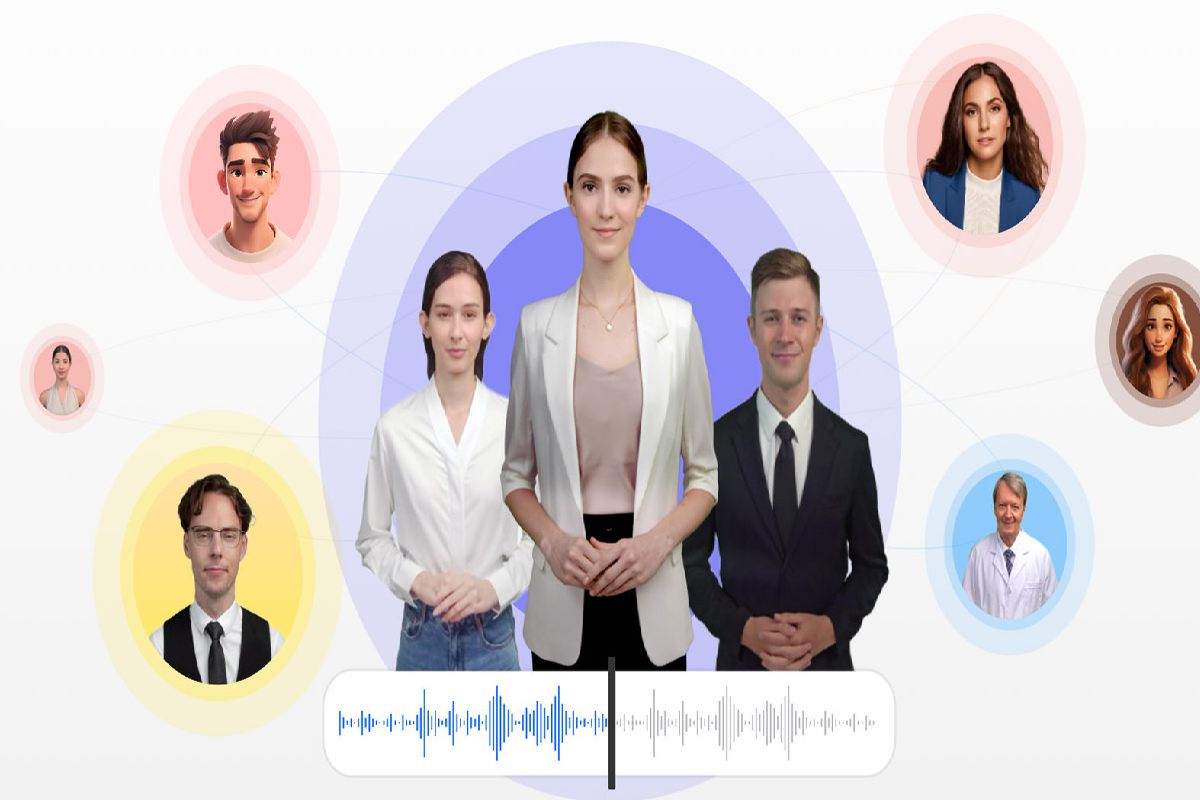
Vidnoz AI is an online AI-powered video creation platform that lets users transform text into videos using AI avatars, realistic voiceovers, and prebuilt templates — without needing traditional filmmaking skills or equipment. It is designed for marketing, sales, e-learning, social media content, training, and internal business videos.
Key Features
AI-Driven Video Generation
- Converts text or scripts into videos with AI avatars and natural-sounding voices.
- Supports lip-synced avatars and voiceovers across multiple languages.
Templates & Asset Library
- Provides 2,800+ video templates covering explainer videos, promotions, social posts, and more.
- Includes 1,500+ to 1,900+ AI avatars and a library of voices.
Multilingual Voice & Localization
- Offers over 1,380 AI voices with support for 140+ languages, enabling global content reach.
Additional AI Tools
- Built-in text-to-speech, translation, video editing features, and voice cloning (on some plans).
- Enterprise-level features like ISO/IEC 27001:2022 security compliance and Single Sign-On (SSO).
Real Pricing Structure
Vidnoz AI typically provides a tiered pricing model:
| Plan | Key Features | Notes |
| Free | ~2–3 mins/day, 720p exports, watermark | Good for testing & casual users. |
| Starter | ~15 mins/month, 1080p, no watermark | Adds HD export & more assets. |
| Business | ~30 mins/month, advanced avatars/voices | Includes enterprise tools & longer videos. |
| Enterprise | Custom quota & features | Dedicated support & API access. |
Pricing varies by billing cycle and region. Details should be confirmed on the official Vidnoz pricing page.
How It Compares to Other AI Video Tools
- Versus traditional editing:
Vidnoz AI cuts video production time hugely compared to filming and manual editing — you can turn scripts into finished videos in minutes using AI avatars and templates. - Versus Synthesia:
Vidnoz usually offers more avatars, templates, and a free plan that lets beginners create videos every day, while Synthesia focuses on polished, professional-grade avatars and strong enterprise features but with a smaller free option and fewer assets. - Versus HeyGen:
HeyGen emphasizes natural-looking avatars and voice options, with solid transcription and customer support ratings, while Vidnoz is praise for easy use, a large library of assets, and strong voice-cloning features — making it great for quick, versatile content.
Pros (Verified by Multiple Sources)
- Fast & Easy Video Creation: Users report that videos can be generated quickly without traditional editing.
- Generous Library: Access to large numbers of avatars, templates, and multilingual voices.
- Multilingual Support: Strong voice and lip-sync support across languages.
- Team & Enterprise Tools: Collaboration features and secure access for business users.
- Commercial Use Permitted: Even free users can use videos commercially (within limits).
Cons and Limitations (Reported in Real Reviews)
- Free Plan Restrictions: Daily limits, lower resolution, watermarks on free plan outputs.
- Feature Caps: More advanced customizations (like voice cloning or avatar Pro features) are behind paywalls.
- Mixed User Feedback: Some reviews mention customer support issues, billing complaints, and technical bugs.
- Subscription Complaints: On community forums, some users report difficulty canceling subscriptions and charges continuing after cancellation.
Common Use Scenarios
Marketing & Sales Videos:
Create product demos, brand stories, and promotional campaigns quickly without filming or actors.
Social Media Content:
Produce short, engaging videos for TikTok, Instagram, YouTube, and other platforms to boost audience engagement.
Explainer & Training Content:
Turn complex ideas, FAQs, and instructional topics into clear, engaging explainer videos using AI avatars and voiceovers.
E-learning Modules:
Ideal for educators and trainers to make lesson videos, tutorials, or training content that’s easy to follow and visually engaging.
Conclusion
Vidnoz AI is a powerful and user-friendly AI video creation platform that addresses the growing demand for rapid, cost-effective video production. By combining a large collection of AI avatars, voices, templates, and automated tools, it helps learners and experts alike generate impressive videos without traditional filming or editing. While the free tier is great for experimenting, the paid tiers unlock advanced capabilities for business needs and heavier use.
FAQs
1. What is Vidnoz AI?
Vidnoz AI is an online, AI-powered video creation platform that lets users generate professional videos using customizable AI avatars, voiceovers, and templates all without filming or advanced editing skills.
2. Is Vidnoz AI free to use?
Vidnoz AI offers a free version that allows users to create videos with access to some AI avatars, templates, and voice features without paying. However, advanced features and higher limits are available in paid plans.
3. Do I need to install software to use Vidnoz AI?
No. Vidnoz AI is cloud-based and runs in a web browser, so there’s no software to install. You can access it from any device with internet and a browser.
4. What kinds of videos can I make with Vidnoz AI?
You can create many types of videos, including:
- Explainer videos
- Tutorials
- Product demos
- Marketing promos
- E-learning content
- Customer-service and FAQ videos
- Social media clips
All of these can be built using pre-design templates.
5. Can I create my own avatar?
Yes. You can upload a video or selfie to generate a custom AI avatar that resembles you, which can then be used in your videos.
Disclaimer
The details above about Vidnoz AI are drawn from independent reviews and third-party evaluations available online. These include expert reviews, pricing comparisons, and user sentiment data, not synthesized text from generic AI models.
