

Table of Contents
Introduction
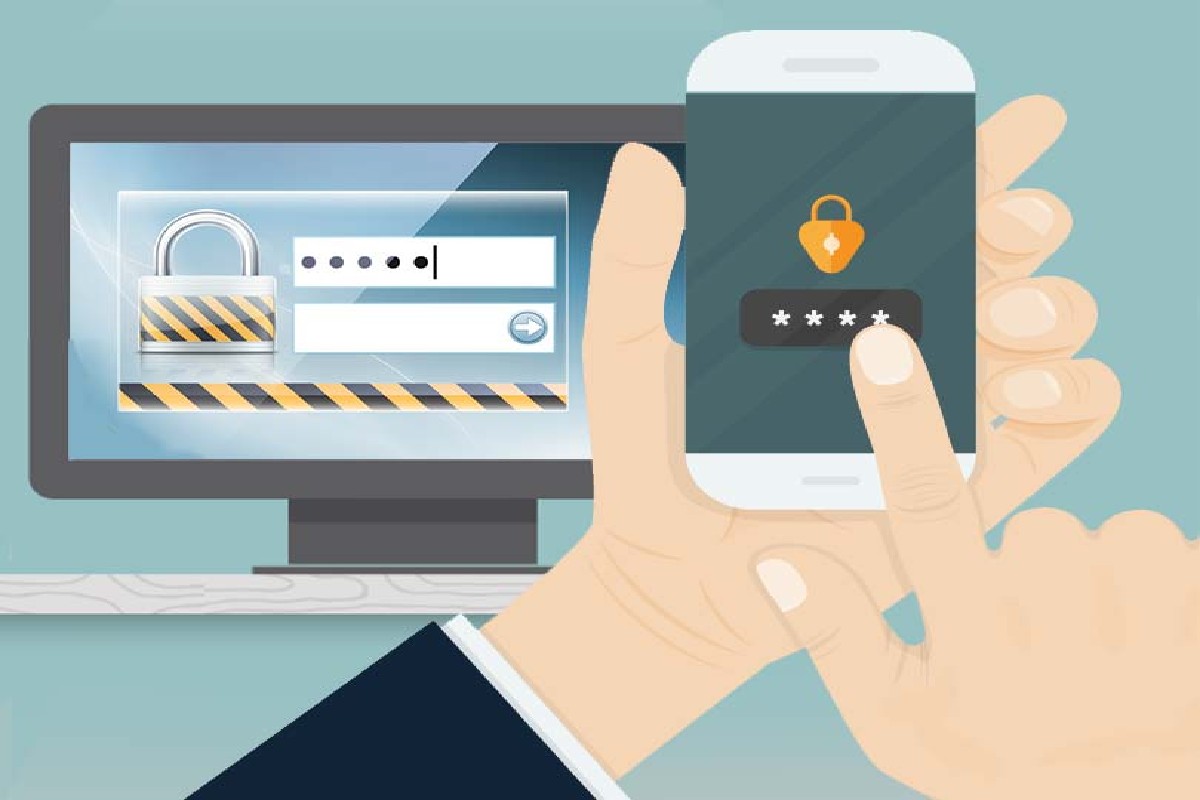
In today’s digital world, protecting your online accounts is more important than ever. With cyber threats like hacking, phishing, and data breaches increasing rapidly, relying only on passwords is no longer safe. This is where Two-Factor Authentication (2FA) comes in.
Two-Factor Authentication adds an extra layer of security by requiring users to verify their identity using two different methods before accessing an account. Even if someone steals your password, they won’t be able to log in without the second verification step.
Two-Factor Authentication Details
| Feature | Description |
| Security Type | Multi-layer authentication |
| Factors Required | 2 (Password + additional verification) |
| Common Methods | OTP, biometrics, authentication apps |
| Purpose | Protect accounts from unauthorized access |
| Used In | Banking, email, social media, apps |
| Security Level | High |
| Ease of Use | Simple with apps or SMS |
What Are The Authentication Factors?
Authentication factors are the different ways a system verifies your identity. There are three main types:
1. Something You Know
- Passwords
- PIN codes
- Security questions
2. Something You Have
- Mobile phone
- OTP (One-Time Password)
- Authentication app
3. Something You Are
- Fingerprint
- Face recognition
- Iris scan
Two-factor authentication uses any two of these categories to verify your identity.
How Does Two-Factor Authentication Work?
2FA works in two simple steps:
Step 1: Enter Password
You enter your username and password like usual.
Step 2: Second Verification
You must confirm your identity using another method, such as:
- OTP sent to your phone
- Code from an authentication app
- Fingerprint or face scan
Example:
- Login with password
- Enter OTP received on phone
- Access granted
This extra step ensures that even if your password is stolen, your account remains secure.
The Best Two-Factor Authentication Apps
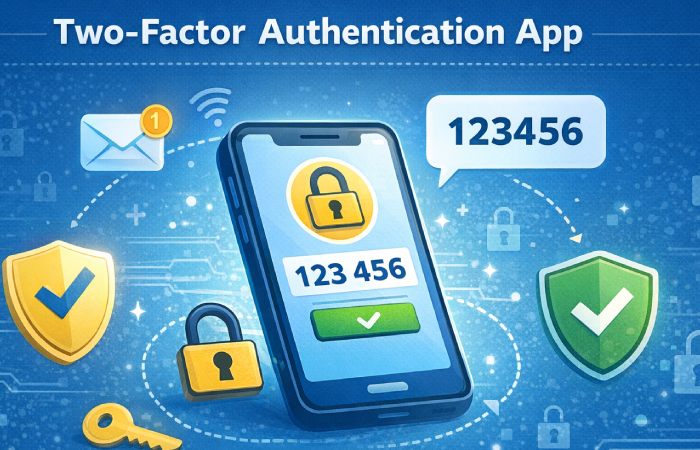
| App Name | Platform | Features | Price |
| Google Authenticator | Android, iOS | Simple, offline codes | Free |
| Microsoft Authenticator | Android, iOS | Backup, cloud sync | Free |
| Authy | Android, iOS, Desktop | Multi-device support | Free |
| Duo Mobile | Android, iOS | Easy setup, push alerts | Free |
| LastPass Authenticator | Android, iOS | Backup & restore | Free |
Why Use Two-Factor Authentication?
Two-Factor Authentication is important for several reasons:
- Protects against hacking
- Secures personal data
- Prevents unauthorized logins
- Adds an extra security layer
- Essential for banking and online payments
Even if someone guesses your password, they cannot access your account without the second factor.
Multi-Factor Authentication vs Two-Factor Authentication
| Feature | Two-Factor Authentication (2FA) | Multi-Factor Authentication (MFA) |
| Number of Factors | Exactly 2 | 2 or more |
| Security Level | High | Very High |
| Complexity | Simple | More complex |
| Examples | Password + OTP | Password + OTP + biometric |
| Usage | Common for users | Used in enterprises |
Key Benefits
| Benefit | Description |
| Extra Security | Adds another protection layer |
| Reduces Risk | Prevents account hacking |
| Easy Setup | Simple to enable in most apps |
| Wide Usage | Supported by most platforms |
| Cost Effective | Mostly free |
Two-Factor Authentication App Download
| App Name | Download Platform | Availability |
| Google Authenticator | Play Store, App Store | Free |
| Microsoft Authenticator | Play Store, App Store | Free |
| Authy | Play Store, App Store, Desktop | Free |
| Duo Mobile | Play Store, App Store | Free |
| LastPass Authenticator | Play Store, App Store | Free |
Two-Factor Authentication Pros and Cons
| Pros | Cons |
| Strong security | Slightly time-consuming |
| Protects sensitive data | Requires phone/device |
| Easy to use | Can be inconvenient if device lost |
| Free to use | Setup required |
| Prevents unauthorized access | Depends on network (for OTP) |
2-Step Verification Explained
2-Step Verification is another name for Two-Factor Authentication. It simply means verifying your identity in two steps.
How It Works:
- Enter password
- Enter verification code
Common Methods:
- SMS OTP
- Email verification
- App-based codes
- Push notifications
Example:
When you log into your email, you enter your password, and then a code is sent to your phone. Only after entering that code can you access your account.
Conclusion
Two-Factor Authentication is one of the most effective ways to secure your online accounts in today’s digital age. It adds an extra layer of protection, making it much harder for hackers to gain access.
Whether you are using social media, online banking, or email services, enabling 2FA is highly recommended. With free apps and easy setup, there’s no reason not to use this powerful security feature.
FAQs
1. Is Two-Factor Authentication safe?
Yes, it significantly improves account security and reduces hacking risks.
2. Can I use 2FA without a smartphone?
Yes, you can use SMS or email-based verification.
3. What happens if I lose my phone?
You can recover your account using backup codes or recovery options.
4. Is 2FA free?
Yes, most authentication apps are free.
5. Which is better: SMS or app-based 2FA?
App-based 2FA is more secure than SMS.
6. Should I enable 2FA for all accounts?
Yes, especially for important accounts like banking, email, and social media.
